The whole idea, in two arrays
What exists
const elements = [
  { id: "hero", type: "h1", text: "Ship it" },
  { id: "sub",  type: "p",  text: "Two arrays." },
];
What is done to it
const nodes = [
  {
    op: { name: "gradient", gradient: "linear-gradient(#0f53a8, #111)" },
    target: ["hero"],
  },
];
new Des().nodes(nodes).add(elements).set({ mount: "#app" });
No JSX, no class strings, no build step required. The same pair renders in the browser or prerenders to static HTML – and because it is data, you can diff two builds and see exactly what changed.
And what it compiles to
new Text("Ship it").set({
  id: "hero",
  size: "S1",
  font: "Arial",
  gradient: {
    op: { name: "gradient", gradient: "linear-gradient(#0f53a8, #111)" },
    target: ["hero"],
  },
});
The pipeline does not disappear into the framework. It compiles to ordinary component code, with every default it applied written out – the size and font nobody typed, and the node resolved onto the element it targeted. Nodality prints that alongside the page, so you can read what the build decided, copy it out, or drop the declarative form entirely and keep the code.
A whole navigation graph is one node
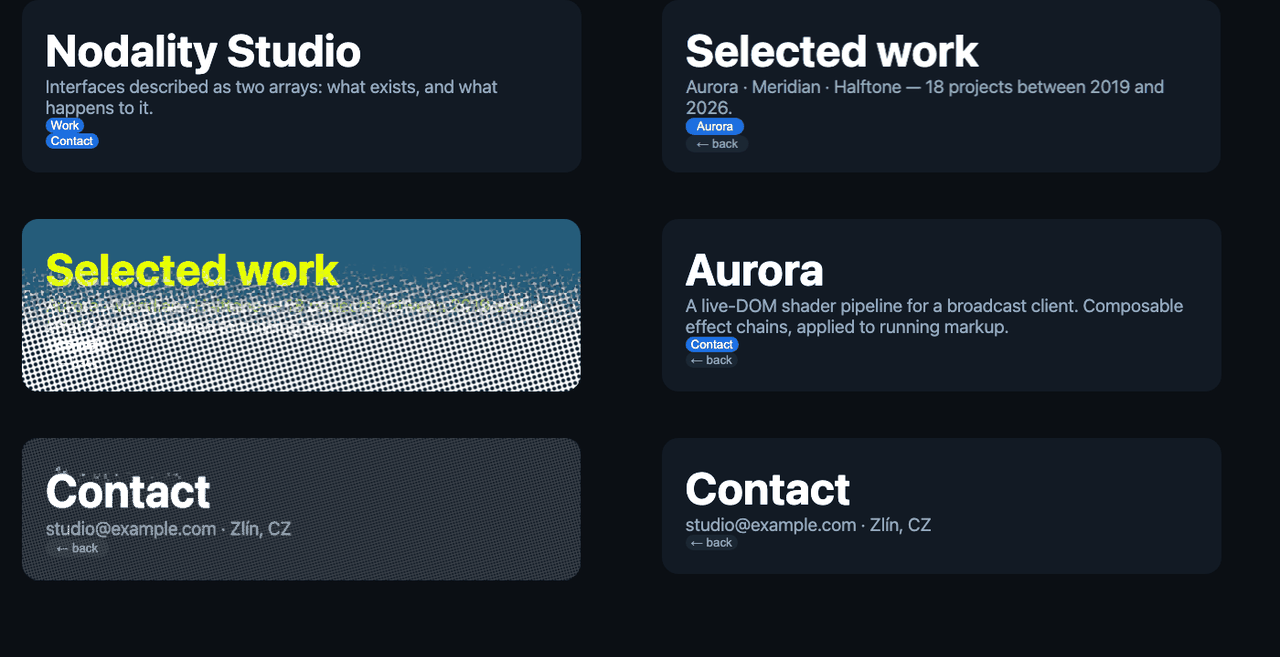
{
  op: "morph", effect: "t-vhs",
  duration: 620, back: true,

  chain: [
    { from: "home",
      to: { Work: "work", Contact: "contact" } },

    { from: "work",   effect: "t-split",
      to: { Aurora: "aurora" } },

    { from: "aurora", effect: "t-bloom",
      to: { Contact: "contact" } },
  ],
}
That is the entire source of the transitions above. The entries are edges, not keyframes – edge two is reachable from the state edge one lands on, so a landed view becomes a source in its turn. Settings on the node are defaults each edge may override, and back unwinds the path the user actually took.
Effects run on live DOM, and the DOM stays clickable
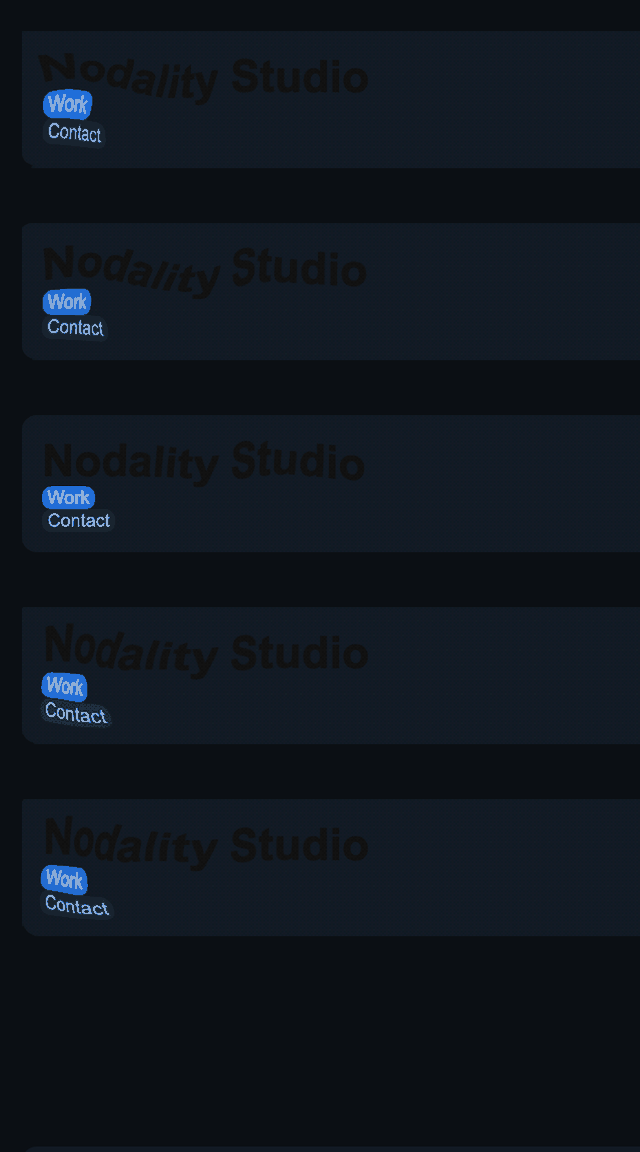
const nodes = [
  { op: "flow",   target: ["bar"],
    by: "mouse",  amount: 0.32 },

  { op: "dither", target: ["bar"],
    levels: 10, size: 2, amount: 0.14 },
];
Two raster nodes aimed at one element compose into a single shader pass, in array order. The source is your live DOM, not an image you exported – and the links underneath still work: pointer input is inverted through the compiled transformation and re-dispatched, so a click lands where the user aimed.
Install
npm create nodality@latest my-app
Or load it straight from a CDN, with no build step at all:
<div id="app"></div>
<script type="module">
  import { Des } from "https://www.unpkg.com/nodality@1.4.0/dist/index.esm.js";

  new Des()
    .nodes([])
    .add([{ type: "h1", text: "Hello" }])
    .set({ mount: "#app" });
</script>
What else it does
Static site generation
Prerender every route to indexable HTML, across locales, then hand off to the runtime. A crawler that runs no JavaScript sees the whole page.
Prerendering →Deterministic builds
The same pair always compiles to the same bytes. Nodes that touch different elements can be written in any order; when two contend, the first declared wins.
The model →Made for agents
One node publishes your page's navigation, forms and readable content as tools an agent can call – derived from the same arrays that render it, so it cannot drift.
Agent surface →Written by a model, checked before it renders
Because the target is data bounded by a schema rather than free-form code, a generator's output either validates or it does not – and it costs roughly half the tokens of the equivalent React and Tailwind. A tool server exposes the vocabulary, the validator and a renderer over MCP, so a model can check its own work before you see it.